

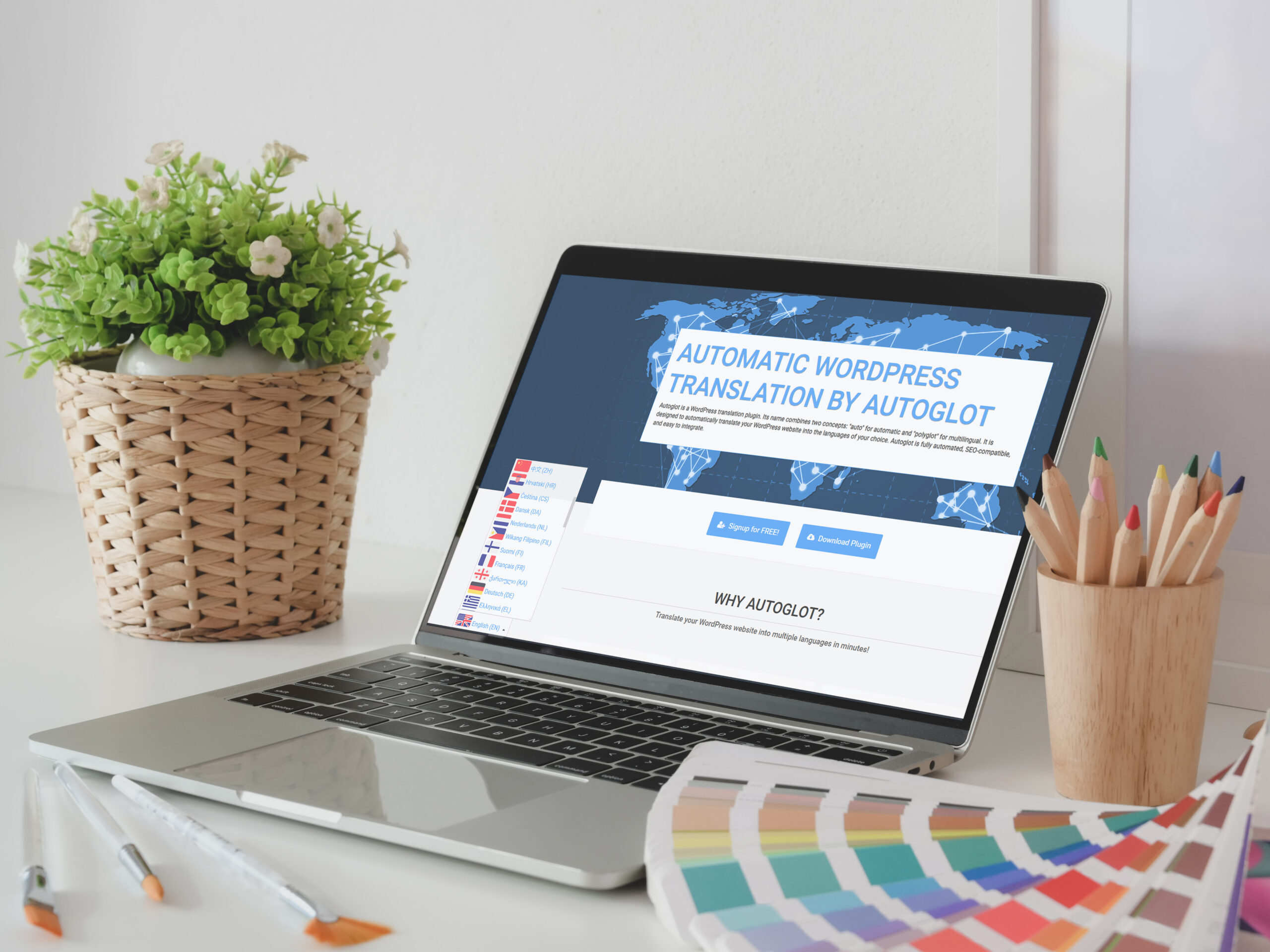
A successful multilingual website needs more than accurate translation. Website owners must also provide clear language navigation, maintain a consistent user experience, and protect the technical systems that support automatic translation. These factors affect how visitors interact with translated content and how website administrators manage their multilingual projects.
Making Multilingual WordPress Websites Easier to Use and Manage
Why Multilingual Website Experience Matters
- Visitors expect to access website content in their preferred language without unnecessary effort. When users cannot find a language switcher or do not understand how to change the website language, they may leave before exploring the content. A clear language selection interface helps visitors move between language versions and find information that matches their needs.
- Language navigation also affects the overall user experience. A language switcher should fit the website design, remain easy to use on desktop and mobile devices, and provide quick access to available translations. Website owners should choose an interface that matches the number of active languages and the structure of their multilingual content.
- A well-designed multilingual interface supports better engagement. Visitors can browse product pages, read articles, compare services, and complete purchases in their preferred language. This can help businesses serve international audiences and create a more accessible website experience.
Autoglot 3.1: New Features and Improvements
Autoglot 3.1 introduces several updates that improve multilingual website navigation, security, and administration. The release adds a new Language Switcher Slider, improves API key protection, and provides more precise Chinese language options.
The main changes include:
- Language Switcher Slider: A new floating switcher that displays language options through a sliding panel instead of a popup.
- Improved API key security: The Settings page now masks the API key and provides options to delete or replace it.
- New API key format: Updated validation and sanitization functions support the new format and improve key protection.
- Chinese language variants: The previous Traditional and Simplified Chinese options have been replaced with Chinese, Hong Kong Chinese, and Taiwanese Chinese.
- Cleaner WordPress menus: Autoglot no longer displays its placeholder in classic menus when a translation has not been published.
- Admin dashboard improvements: Minor fixes improve the plugin’s administration experience.
The release combines better language navigation, safer API key management, and cleaner multilingual administration to support a more reliable WordPress translation workflow.
Más información: How to Translate WordPress Automatically
A Better Language Switcher: Improving Multilingual Website Navigation
A language switcher helps visitors access website content in their preferred language. It serves as a key part of the user interface (UI) on every multilingual website. When visitors cannot find language options quickly, they may struggle to understand the content or leave the website.
Language navigation can affect visitor engagement and conversion rates. Users who can easily switch languages may spend more time exploring translated pages, reading product descriptions, and completing purchases. A clear interface also helps visitors understand that the website offers content in multiple languages.
Introducing the Autoglot Language Switcher Slider
Autoglot 3.1 introduces a new Language Switcher Slider that gives WordPress website owners another way to display language options. Like the existing popup switcher, the slider uses a floating box that visitors can access from the website interface.
The main difference is how the language options appear. Instead of opening a popup, the slider displays the available languages through a sliding panel. This interaction provides quick access to language selection while keeping the interface compact.
The new slider offers several practical benefits:
- Quick language access: Visitors can open the floating box and select another language with minimal effort.
- Compact interface: The slider keeps language options inside a floating element instead of displaying a large menu.
- Simple navigation: The sliding panel provides a clear way to view and select available languages.
- Flexible placement: Website owners can enable the slider through the Autoglot Settings page under Floating box.
The Language Switcher Slider is especially useful for websites with a small number of active languages. It provides a simple navigation option without adding unnecessary elements to the page.
Autoglot 3.1 gives website owners more control over language navigation and helps them create a multilingual interface that supports visitor needs.
Ver también: ¿Cómo agregar y personalizar un selector de idioma en WordPress?
Slider or Popup? Choosing the Right Language Switcher for Your Website
Which Language Switcher Should You Use?
The best language switcher depends on your website layout, the number of active languages, and your visitors’ navigation needs. Autoglot 3.1 offers two floating box options: the Language Switcher Slider and the Language Switcher Popup.
- The Language Switcher Slider works well for websites with a few active languages. Its sliding panel provides quick access to language options without opening a separate popup. This design keeps navigation simple and helps visitors switch languages with minimal effort.
- The Language Switcher Popup is a better choice for websites with five or more active languages. A popup can display a longer list of language options in a clear format. Visitors can review the available languages and select the required version without relying on a compact sliding panel.
Factors to Consider When Selecting a Switcher
Website owners should choose a switcher that fits their interface and supports easy navigation. Consider these factors:
- Number of languages: A slider suits a short list, while a popup handles larger lists more effectively.
- Mobile usability: Test how the switcher works on small screens.
- Website design: Choose an interface that fits the site’s layout and does not cover important content.
- Visitor behavior: Make language selection easy to find and use.
Autoglot 3.1 lets WordPress website owners select the floating switcher for our translation plugin that best fits their multilingual website.
Ver también: ¿Cómo configurar un plugin de traducción en WordPress?
Improved API Key Security: Protecting Access to Automatic Translation
Why API Key Security Matters
An API key is an important security credential that connects your WordPress website to the Autoglot translation service. It allows the plugin to communicate with the Autoglot Control Panel and request automatic translations. Website owners should protect this key in the same way they protect passwords and other access credentials.
Exposing an API key can create unnecessary security risks. If unauthorized users obtain access to a valid key, they may attempt to use the associated translation services without permission. For this reason, website administrators should never publish API keys in screenshots, public support forums, code repositories, or other publicly accessible locations.
What Has Changed in Autoglot 3.1?
Autoglot 3.1 introduces several improvements to API key management and protection. The most visible change is that the plugin no longer displays the complete API key on the WordPress Settings page. Instead, the key appears in a masked format.
The update also introduces the following changes:
- Masked API keys: The Settings page no longer exposes the complete key.
- Flexible key management: Administrators can delete an existing key, enter a new key, or perform both actions.
- New API key format: Autoglot now uses an updated format designed to improve security.
- Updated validation and sanitization: The plugin’s internal functions now support the new API key format.
- Control Panel notification: A notice prompts existing users to generate a new API key through the Autoglot Control Panel.
What Should Existing Users Do?
We recommend that existing Autoglot users generate a new API key in the Control Panel after updating to version 3.1. They can then enter the new key on the WordPress Settings page to replace their existing credentials.
Users should also keep their API keys private and avoid sharing them with third parties. If a key becomes publicly exposed, administrators should replace it rather than continue using potentially compromised credentials.
These security improvements make API key management safer and help WordPress administrators protect their access to Autoglot’s automatic translation services.
Ver también: ¿Cómo automatizar el proceso de traducción para WordPress?
More Precise Language Options and Other Improvements in Autoglot 3.1
New Chinese Language Variants
Autoglot 3.1 introduces more precise Chinese language options to support websites targeting different Chinese-speaking audiences. The previous Traditional Chinese and Simplified Chinese options have been replaced with three separate variants:
- Chinese
- Hong Kong Chinese
- Taiwanese Chinese
These options help website owners select language variants that better match their target audiences. Chinese-speaking visitors in different regions may have different language preferences and expectations. Providing region-specific options helps businesses organize their multilingual content and make language selection more relevant to local users.
This change also supports more precise multilingual website localization. Website owners can offer language options that reflect their intended regional audiences instead of relying only on broad language categories.
Cleaner WordPress Menus and Dashboard Improvements
The update also improves how Autoglot handles unpublished translations in classic WordPress menus. Previously, the plugin could display an Autoglot placeholder for a language when the corresponding translation had not yet been published.
Autoglot 3.1 removes this placeholder from classic WordPress menus when no published translation is available. This prevents visitors from seeing incomplete language navigation options and helps keep website menus clean and consistent.
The release also includes minor fixes to the WordPress administration dashboard. These improvements support a smoother plugin management experience for website owners and administrators.
Together, these changes provide more precise language selection, cleaner navigation, and a better administration experience for multilingual WordPress websites.
Ver también: How to Add a Language Switcher to WordPress Menu?
Conclusion: Update to Autoglot 3.1 for a Better Multilingual Website
Better Navigation, Security, and Multilingual Management
Autoglot 3.1 brings several practical improvements that help WordPress website owners manage multilingual websites more effectively. The update focuses on three important areas: language navigation, API key security, and regional language options.
- The new Language Switcher Slider gives website owners more flexibility when designing their multilingual interfaces. They can choose between the Slider and Popup switchers based on the number of active languages, website layout, and visitor needs. This helps create a more convenient language selection experience for international audiences.
- Improved API key protection makes managing the connection to the Autoglot translation service safer. Masked API keys, the new key format, and updated validation functions reduce unnecessary exposure of sensitive credentials. These changes also encourage website administrators to follow better security practices.
- The new Chinese language variants provide more precise options for websites targeting Chinese-speaking audiences. Additional improvements to classic WordPress menus and the administration dashboard also help maintain a cleaner and more consistent experience.
How to Get Autoglot 3.1
Existing Autoglot users can update their plugin through the standard WordPress update interface. After updating, we recommend generating a new API key in the Autoglot Control Panel and replacing the existing key in the plugin settings.
New users can download Autoglot directly from the official WordPress plugin repository and start translating their websites automatically. The plugin supports more than 50 languages and provides SEO-friendly multilingual pages that search engines can crawl and index.
Autoglot 3.1 continues our effort to make WordPress website translation easier, safer, and more accessible. We will continue improving the plugin’s features and administration tools to help website owners reach international audiences with automatic AI translation and SEO-friendly multilingual content.