

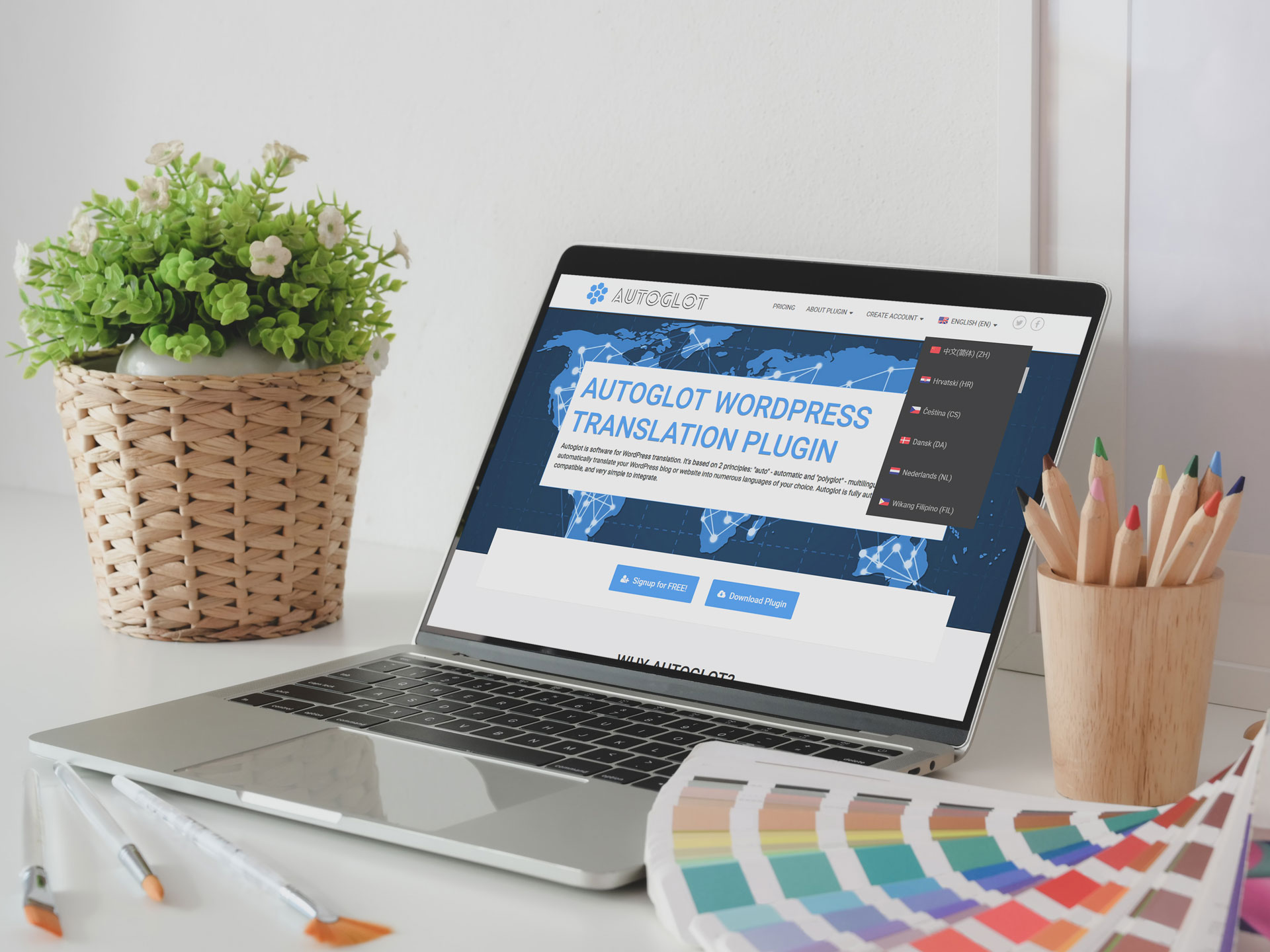
Multilingual websites allow businesses to engage diverse audiences, improve accessibility, and increase customer trust. Users are more likely to stay longer, interact with content, and convert when they can navigate a website in their preferred language. As a result, multilingual functionality is no longer optional but a critical component for growth.
Introduction
Autoglot has been helping WordPress site owners achieve this with fully automated translation solutions. By supporting multiple languages efficiently, Autoglot removes the complexity of manual translation while maintaining SEO compatibility and cost-effectiveness. This combination ensures that websites can expand globally without sacrificing performance or ranking.
Introducing Autoglot 2.9
Autoglot 2.9 introduces a major update focused on language switcher integration in WordPress menus. With this feature, website visitors can easily choose their preferred language from the main navigation menus. This creates a seamless experience that encourages engagement and return visits. The integration also reduces the need for separate widgets or floating buttons, keeping the website design clean and professional.
This update offers flexibility for site owners to customize language switchers according to their needs. Options include displaying language names, flags, or both, and choosing between dropdown or popup styles. These features allow websites to adapt to design preferences and audience expectations without additional coding.
Benefits at a Glance
The new language switcher in menus improves user experience, enhances navigation, and simplifies multilingual site management. Visitors can instantly switch languages, while administrators benefit from easier configuration and improved visibility in plugin health checks. Autoglot 2.9 ensures that even 404 and search pages include accessible language options, preventing users from getting lost or leaving the site.
Autoglot 2.9 adds flexible language switchers to WordPress menus, enhancing multilingual navigation, user experience, and site management. Autoglot combines usability, flexibility, and automation to support the growth of multilingual WordPress sites. By integrating language switchers directly into menus, the plugin empowers site owners to provide a better experience for global audiences efficiently.
See also: Autoglot in WordPress repository
Why Language Switchers Matter for Multilingual Sites
- A language switcher is a crucial tool for improving user experience on multilingual websites. It allows visitors to quickly select their preferred language, ensuring they understand content without confusion or frustration. Users are more likely to engage, navigate, and convert when content is presented in a language they are comfortable with. Without an accessible language switcher, even high-quality content can be underutilized, leading to higher bounce rates.
- Flexible placement of the language switcher is equally important. Visitors should be able to find it easily, ideally in the main navigation menu or a prominent area of the site. When users can access language options immediately, they feel welcomed and valued, which strengthens brand credibility and encourages repeat visits.
- Multilingual websites allow businesses to reach audiences across different regions and cultures. Language switchers enable seamless navigation between translated versions of pages, helping visitors access relevant information without friction. This capability is essential for e-commerce, corporate sites, blogs, and service providers aiming to expand their global presence.
- Language switchers also help maintain engagement across diverse markets. A visitor who lands on a site in an unfamiliar language may leave quickly, missing key information or offers. Providing clear and customizable language options keeps the audience connected and encourages deeper interaction with the website’s content.
- Language switchers contribute to better SEO performance for multilingual sites. Properly configured switchers allow search engines to index translated pages correctly, increasing visibility in international search results. This can lead to higher organic traffic from multiple regions and better overall website performance.
Language switchers are essential for user experience, global reach, and SEO optimization. They ensure that multilingual websites are accessible, engaging, and effective in connecting with international audiences. By giving visitors control over their preferred language, websites become more inclusive and user-friendly, supporting growth and long-term success.
Read more: How to add language switcher to WordPress?
Autoglot 2.9: Language Switcher Integration in WordPress Menus
Autoglot 2.9 introduces direct integration of language switchers into WordPress menus. This means website owners can now add language selection options directly within the primary navigation, providing a consistent and intuitive experience for visitors. By embedding the switcher into existing menus, users can access language options without scrolling through sidebars or searching for widgets, making navigation faster and simpler.
Multiple language switchers can be added to different menus across the site. For example, one switcher can be placed in the header menu while another appears in the footer or secondary menus. This flexibility ensures that visitors can switch languages wherever they are on the site, reducing frustration and improving overall usability.
The integration works seamlessly with traditional WordPress themes that support built-in menus. Website owners do not need custom coding or additional plugins to enable this feature. This ensures that Autoglot’s language switcher fits naturally into the site’s design while remaining functional and responsive.
Improving Site Management
Integrating the language switcher into menus simplifies the management of multilingual websites. Administrators can easily monitor active languages, update options, and ensure that the switcher is visible on key pages, including 404 and search pages. This reduces the chances of errors or missing translations, creating a more reliable and user-friendly experience.
Menu integration makes language switchers more accessible, flexible, and visually consistent. Autoglot 2.9 enables seamless placement, multiple menu support, and easy customization, helping WordPress sites provide a smooth multilingual experience with full automation for all visitors.
See also: How to Automatically Translate WordPress?
How to Add a Language Switcher to WordPress Menu
Adding a language switcher with Autoglot 2.9 is a straightforward process. By following these steps, you can enhance navigation, improve user experience, and provide easy access to multiple languages directly from your WordPress menus.
Step 1: Open WordPress Menu Settings
Start by logging into your WordPress admin dashboard. Navigate to Appearance – Menus to access the menu editor. This area allows you to manage all menus on your site, including headers, footers, and custom menu locations.
Step 2: Add Autoglot Language Switcher
In the menu editor, locate the “Autoglot Language Switcher” option. Click to add it to your selected menu, then adjust its position by dragging it to the desired location within the menu structure. This flexibility allows you to place the switcher in a prominent spot where visitors can easily access it.
Step 3: Configure Language Switcher Settings
Once the switcher is added, you can customize its settings.
- Select the Type of Menu—either dropdown or popup window—depending on your website design preference.
- Next, choose the Type of Switcher, which can display flags, language names, or both.
- Finally, decide how the language name should appear: English name, native name, ISO code, or a combination.
These options allow you to tailor the switcher’s appearance to match your site’s branding and improve usability for visitors.
Step 4: Save Your Menu
After configuring the settings, click the “Save Menu” button. This ensures that the language switcher and all menu changes are applied immediately to your website. Visitors can now see and use the switcher to navigate your site in their preferred language.
Step 5: Adjust CSS if Needed
Depending on your theme and menu layout, you may need to adjust CSS styles. Minor tweaks can improve the appearance, spacing, and responsiveness of the language switcher. Custom CSS ensures that the switcher looks polished and integrates seamlessly with your site’s design.
Benefits of Customization
Customizable language display enhances user engagement and satisfaction. Visitors can immediately recognize their preferred language, feel comfortable navigating the site, and interact with content efficiently. At the same time, site owners can maintain a professional design while supporting multilingual functionality.
Autoglot 2.9 provides robust customization options for language switchers. Display choices, visual flags, dropdown or popup types, and scrollable menus ensure that websites can offer a user-friendly, visually appealing, and flexible multilingual navigation experience for all visitors.
See also: Customization of Language Switcher for WordPress
More Features: Expanded Visibility and Improved Plugin Functionality
Language Switcher on Key Pages
Autoglot 2.9 ensures that the language switcher is visible on all important pages, including 404 and search pages. This prevents visitors from encountering dead ends or confusion when navigating in a non-default language. By linking these pages to translated home pages, Autoglot maintains a consistent multilingual experience across the entire website.
This expanded visibility is especially important for user retention. Visitors are more likely to continue browsing when they can easily switch to their preferred language, even after encountering a missing page or search result. Providing language options on every page strengthens accessibility and encourages engagement.
Enhanced Plugin Health and Administration
Autoglot 2.9 improves plugin health checks by including language switcher status. Administrators can now verify whether the switcher is active in menus, ensuring proper functionality across the site. This addition simplifies monitoring, reduces errors, and provides confidence that all multilingual features are working correctly.
Benefits for Website Owners
These updates collectively save time and reduce complexity for website owners. With language switchers integrated across key pages and improved administrative tools, managing a multilingual website becomes more straightforward. Visitors experience consistent navigation, while administrators benefit from simplified control and monitoring.
Autoglot 2.9 expands language switcher visibility and improves overall plugin functionality. By ensuring access on 404 and search pages, enhancing health checks, and optimizing admin tools, the plugin provides a reliable, user-friendly multilingual experience for both visitors and website owners.
Take Action Today!
Updating to Autoglot 2.9 empowers website owners to provide a superior multilingual experience with minimal effort. The integrated language switcher, customization options, and enhanced functionality make it easier than ever to manage translations and improve engagement. By leveraging these features, WordPress sites can attract and retain international audiences, increase conversions, and achieve long-term growth.